Need Help

Setting up

How Can I Optimize My Wireless Signal Strength?
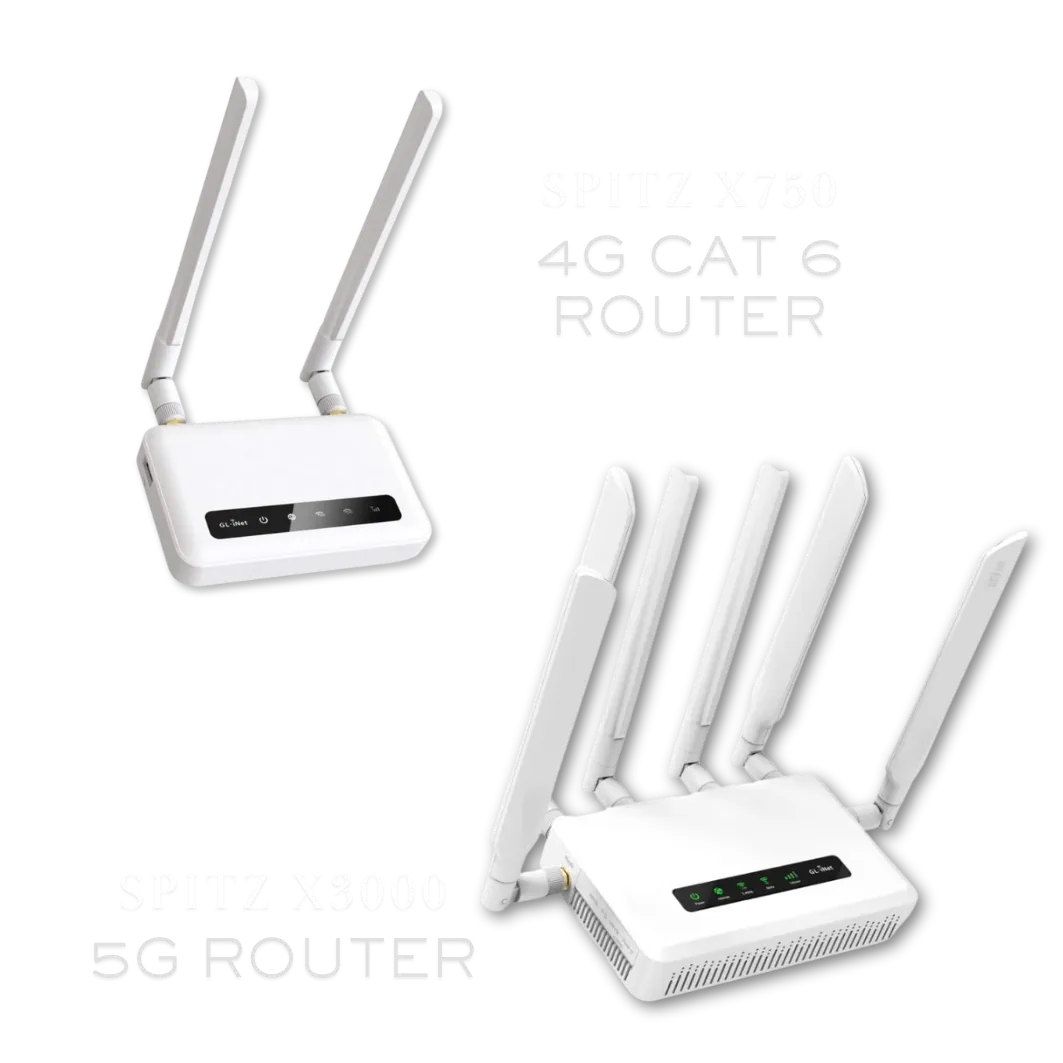
Radio Placement

Move the radio around the home or office to see if there is an improvement. Instructions on measuring signal strength can be found here. Once you have found the best cell signal, start thinking about your location as a whole. There is 2.4G and 5G, this is signal sent around your location. The 2.4G goes longer distance and the 5G is shorter distance but stronger. If you still are too far from the router and have trouble connecting your device, then you might want to purchase a Wi-Fi extender that will connect right into the router. Instructions on measuring signal strength can be found here.

Internet Usage

While others are on the same network, other devices could be downloading and or uploading files to a cloud storage or a device or multiple devices might be streaming at the same time, thus clogging the bandwidth pipe.

Smart Devices, Phones, Computers and Tablets

If you do not have a lot of devices connected, check any device that is connected to the network. Smart phones, smart devices, computers and tablets have auto backup settings as well as an auto update setting for applications that will run in the background and it is recommended that you turn those off.​

Cellular Tower

Slow speeds are usually caused by heavy traffic usage, or the radio is not getting a strong enough signal from the tower.


APN Reset

Often times performing an APN Reset will restore higher speeds. Instructions on how to perform this procedure can be found here.


External Antenna

Try moving the radio outside to see if their speeds improve, if it does, we recommend that you purchase an external antenna kit. We sell different antennas and boosters to help increase speeds.

SilverLink Internet was founded by one of the innovators of Wireless Internet (Wi-Fi) service, having designed one of the first outdoor wireless Internet networks in the U.S. in 1996. Our goal is to provide high-speed Internet service to rural or low-service areas that either have no competitive alternative – OR – have no high-speed choice at all.

For inquiries: [email protected]

Quick Links

Will the service work where I live?

We are constantly adding new towers. Currently over 94 percent of the U.S. can get service from us. We cannot promise it, but if you live within 5-8 miles of a cell tower, there is a pretty good chance the service will work. We offer a "no-questions asked", full thirty (30) day money-back guarantee, so there is no risk in trying it out.

How long does it take to receive it?

Once your device has been shipped you should receive it within 2-3 Business Days.

What speeds will I get?

As far as speeds go, that varies per customer depending on their location. Environmental factors such as trees, hills, mountains, etc. can all affect the signal. Metal roofing can be a factor in low speeds. Distance to the nearest tower can play a role. Also, how many people are on that tower in terms of congestion. There is unfortunately no way for us to know what speeds you will get until you try the device. This is why we offer the 30-day money back guarantee. We give all our customers the chance to try the service risk free.

Can I make it faster?

Yes, but you will have to consider doing one or more of the following things:​

Move the LTE router to various places inside your home or office to see if it gets faster. Near windows works best. We can also tell you which direction to aim it and if you put it near a window on that side of the house or building, it will help.

Connect an external antenna to the LTE router and fix the antenna to the outside of your house or office. We can supply you with these antennas for an additional one-time charge.

Connect an external LTE radio to the outside of your house or building and run a cable inside to your router. We can supply you with this LTE radio for an additional one-time charge.

Mount the external LTE radio to a tower or high pole and run the cable inside to your router. We can supply you with all of the equipment and parts for an additional charge as well as provide you with a referral to someone in your area who can assist you with installation if needed.

What is the start up cost?

Start-up cost depends on the plan and router you choose.


Our plans start at $55/month* which includes government taxes and compliance fees. If you purchase a 5G router, you'll receive your first month of Internet FREE as part of our Sale + plus, your shipping is free and Programming Fee is Waived on all plans!


There are no hidden fees and no need to bundle—just reliable, affordable internet tailored to your needs.

*New Subscriptions only.

What if it doesn't work?

We offer a full 30-day money back guarantee. If you are not satisfied with the service for whatever reason, please give us a call and let us know and we’ll make arrangements for you to send the device back. As long as we receive it back within the initial 30-day period you will be able to get a full refund. If you are experiencing technical issues, please give us a call and our tech support team will be more than happy to assist you.

(888) 214-4130

23705 Interstate 10 W, Suite 209

San Antonio, TX 78257

© Copyright SilverLink Internet 2026. All rights reserved.