
Need Help

Issues with X3000?

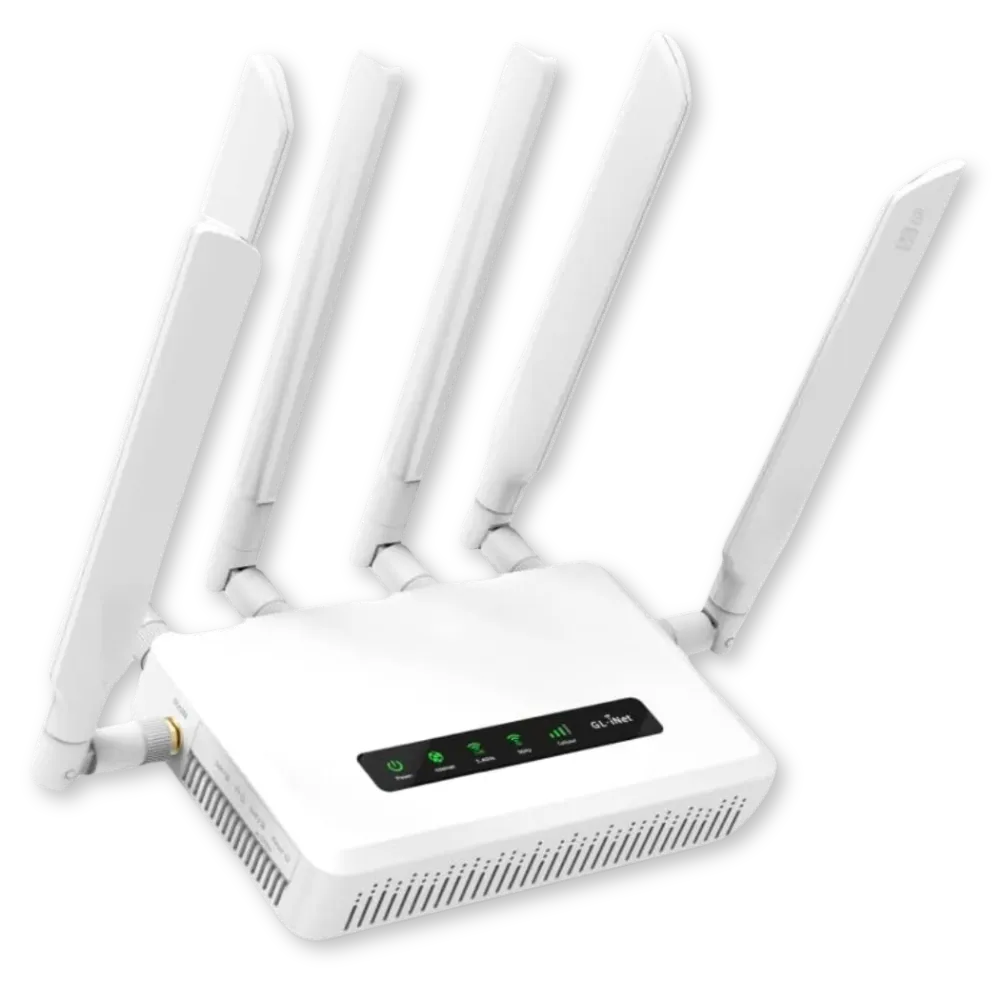
SPITZ X3000 4G CAT 16 ROUTER
Why Does My Internet Cut In and Out Sometimes?

A Simple Guide from SilverLink Internet:

It can be frustrating when your internet works sometimes and not others. If your connection is intermittent (meaning it goes in and out), there are usually three common reasons. Let’s go over them in easy-to-understand terms—and what you can do about them.

1. Too Many People Using the Same Cell Tower (Tower Congestion)

What You Can Try:

►If you use a device called a radio or modem near a window, try moving it to different spots in your home. Sometimes, this helps it connect to a different, less-busy tower.

►If you have an outdoor antenna, try pointing it in a different direction.

You (or a family member) can visit this website to see nearby towers: www.cellmapper.net

2. Weak Signal or Too Many Devices Using the Internet

Sometimes, your internet slows down because:

The signal from the cell tower is too weak, or

Other devices in your home are using up your internet in the background.

Things like phones or smart TVs may be downloading updates without you knowing, which uses up the internet.

What You Can Try:

► Turn off or disconnect devices you’re not using.

►Run a speed test to see how fast your internet is. If it shows around 5 Mbps (megabits per second) or higher, you should be able to stream videos. But if it’s lower, or if speeds are jumping around, that could be the issue.

✦An external antenna (especially one placed outside) can help improve the signal.

3. Device Issues or Malfunction

If your internet keeps cutting out completely, and it doesn’t seem related to speed or busy hours, your device may need a reset.

Sometimes, the small computer inside your modem or router needs a fresh start.

How to Reset It:

► Find the Reset button on the back of your SilverLink device.

It may be covered by a small white sticker.

►Use a paperclip or something small to press and hold the button for 10 seconds.

This will reset the device back to its factory settings, which often clears up the problem.

Don’t worry—it’s a safe process.

✦A helpful video demonstration is available here.

Still Need Help?

We’re happy to walk you through this over the phone.

Just call SilverLink Internet Support at: 888-214-4130

You’ll speak to someone friendly who’s here to help—step by step.

Quick Links

Will the service work where I live?

We are constantly adding new towers. Currently over 94 percent of the U.S. can get service from us. We cannot promise it, but if you live within 5-8 miles of a cell tower, there is a pretty good chance the service will work. We offer a "no-questions asked", full thirty (30) day money-back guarantee, so there is no risk in trying it out.

How long does it take to receive it?

Once your device has been shipped you should receive it within 2-3 Business Days.

What speeds will I get?

As far as speeds go, that varies per customer depending on their location. Environmental factors such as trees, hills, mountains, etc. can all affect the signal. Metal roofing can be a factor in low speeds. Distance to the nearest tower can play a role. Also, how many people are on that tower in terms of congestion. There is unfortunately no way for us to know what speeds you will get until you try the device. This is why we offer the 30-day money back guarantee. We give all our customers the chance to try the service risk free.

Can I make it faster?

Yes, but you will have to consider doing one or more of the following things:​

Move the LTE router to various places inside your home or office to see if it gets faster. Near windows works best. We can also tell you which direction to aim it and if you put it near a window on that side of the house or building, it will help.

Connect an external antenna to the LTE router and fix the antenna to the outside of your house or office. We can supply you with these antennas for an additional one-time charge.

Connect an external LTE radio to the outside of your house or building and run a cable inside to your router. We can supply you with this LTE radio for an additional one-time charge.

Mount the external LTE radio to a tower or high pole and run the cable inside to your router. We can supply you with all of the equipment and parts for an additional charge as well as provide you with a referral to someone in your area who can assist you with installation if needed.

What is the start up cost?

Start-up cost depends on the plan and router you choose.


Our plans start at $55/month* which includes government taxes and compliance fees. If you purchase a 5G router, you'll receive your first month of Internet FREE as part of our Sale + plus, your shipping is free and Programming Fee is Waived on all plans!


There are no hidden fees and no need to bundle—just reliable, affordable internet tailored to your needs.

*New Subscriptions only.

What if it doesn't work?

We offer a full 30-day money back guarantee. If you are not satisfied with the service for whatever reason, please give us a call and let us know and we’ll make arrangements for you to send the device back. As long as we receive it back within the initial 30-day period you will be able to get a full refund. If you are experiencing technical issues, please give us a call and our tech support team will be more than happy to assist you.

(888) 214-4130

23705 Interstate 10 W, Suite 209

San Antonio, TX 78257

© Copyright SilverLink Internet 2026. All rights reserved.